Memory Budget Manager
Streaming only works if you enforce limits.
The Memory Budget Manager sets a fixed budget and ensures the engine stays within it. When memory usage gets too high, assets need to be evicted.
This introduced a new kind of problem: deciding what to remove.
The engine now has to constantly answer:
What is safe to unload right now?
This is especially important for Vision Pro, where memory constraints are much tighter.
Tile Streaming
Even with streaming in place, I ran into another issue.
Some meshes were just too big.
For example, a single mesh could represent a large portion of a building. That makes it difficult to stream efficiently, because you either load the whole thing or nothing.
The solution was to break the scene into tiles.
I used a Blender pipeline to partition scenes (eventually using a quadtree). Each tile represents a localized part of the world.
Now the engine can:
- Load only what’s near the camera
- Avoid loading interiors when outside
- Stream data in smaller chunks
This made a big difference for large scenes.
Native Asset Format (.untold)
At this point, most of the systems were in place, but performance still wasn’t where it needed to be.
The main issue was parsing.
Using USDZ at runtime introduced overhead:
- CPU parsing cost
- Memory spikes
- Indirect data layouts
So I introduced a native format: .untold
This format is built for runtime:
- Data is preprocessed
- GPU upload is direct
- Layout is streaming-friendly
USDZ is still useful as an input format, but it’s not ideal for real-time streaming.
Remote Streaming
Once all of the above systems were working, remote streaming became much simpler.
The engine already knew how to:
- Load assets on demand
- Stay within memory limits
- Stream tiles based on camera position
At that point, the only change was the source of the data.
Instead of reading from disk, the engine now fetches assets over the network.
And it works — including on Vision Pro.
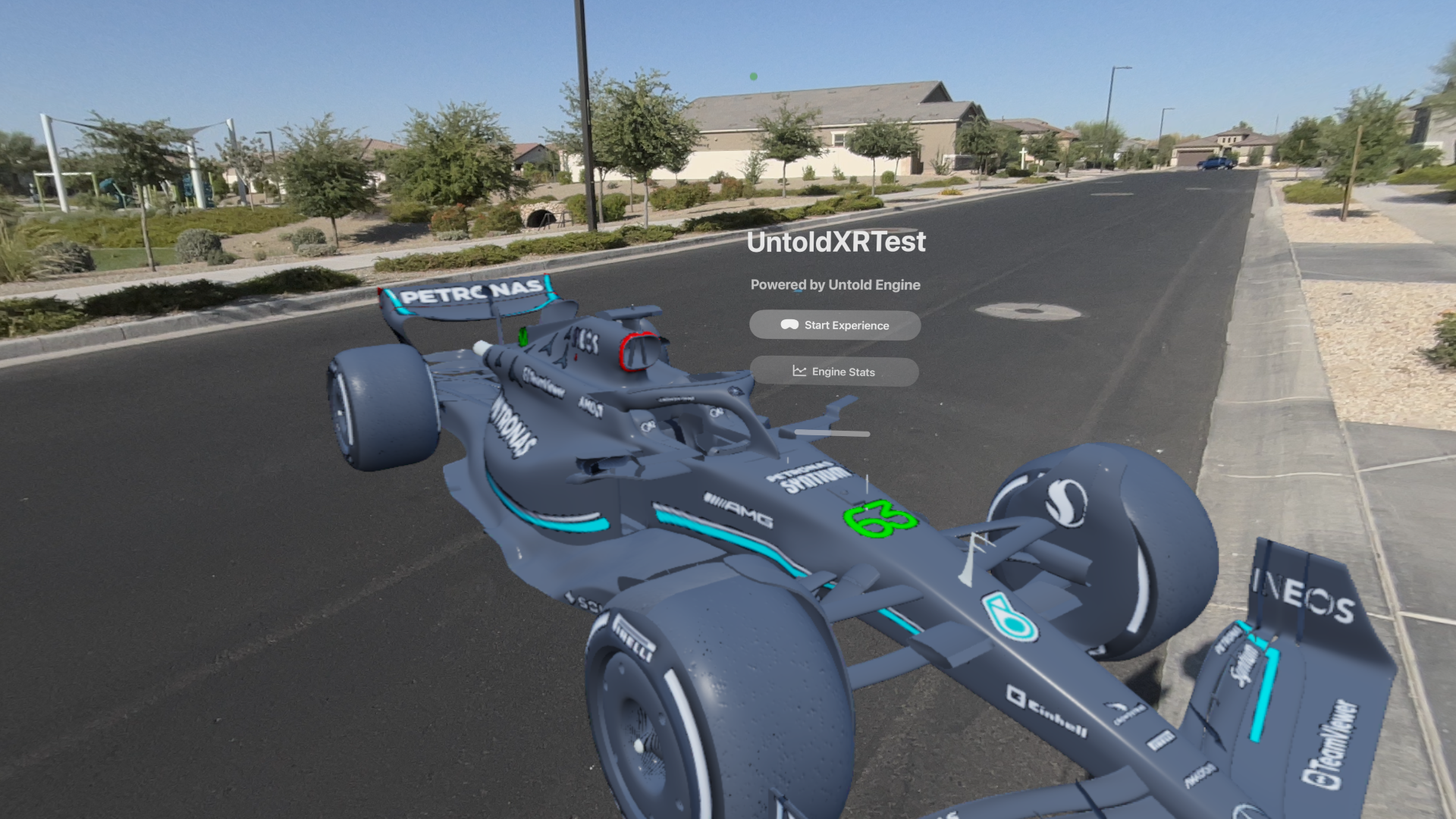
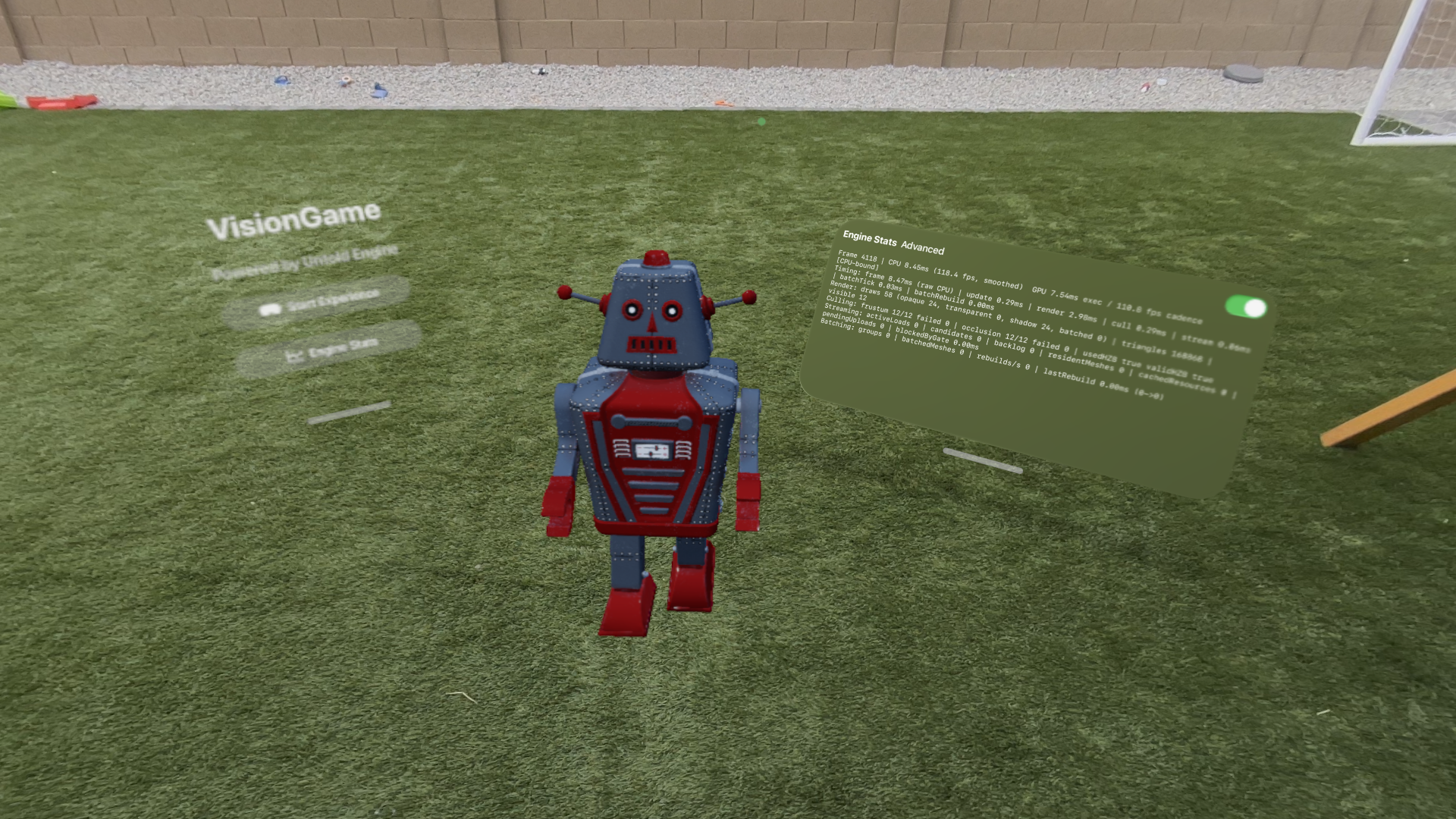
Below is a short clip of the Streaming System in action.