
One of the features I wanted to add to the Untold Engine for a long time was remote asset streaming.
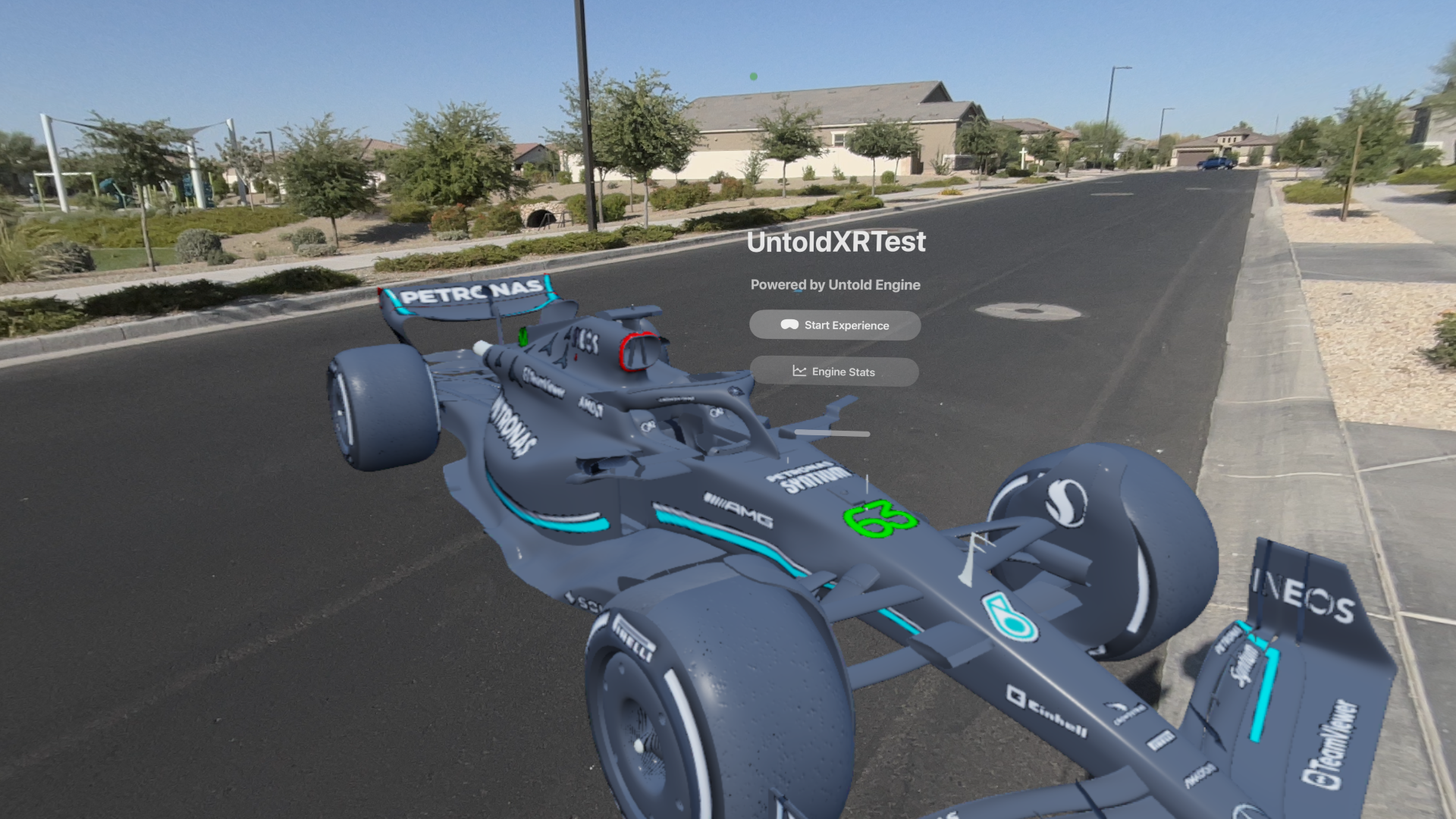
Streaming an F1 Car using the Untold Engine + Vision Pro
The challenge wasn’t the networking part. The issue was that the engine assumed everything was loaded, available, and resident in memory at all times. That model doesn’t work once you introduce streaming.
So instead of jumping straight into it, I focused on building the systems that would make it possible.
This is a breakdown of the systems I had to implement before remote streaming finally worked — including on Vision Pro.
Batching System
The first thing I had to fix was draw calls.
Large scenes (especially architectural ones) quickly became CPU-bound because every mesh resulted in a draw call. The GPU was fine, but the CPU couldn’t keep up.
Batching helped reduce the number of draw calls by grouping meshes together.
But this introduced a constraint: once meshes are batched, you lose flexibility. You can’t easily move or unload individual pieces anymore.
This forced me to think more about how meshes are grouped, not just rendered.
LOD System
After batching, the next issue was rendering too much detail.
Even if draw calls were under control, I was still pushing too many vertices and fragments.
The LOD system allowed the engine to swap meshes based on distance. That helped performance, but more importantly, it introduced the idea that not everything needs to be at full quality all the time.
This was the first step toward selective rendering.
Geometry Streaming
Up to this point, everything was still loaded at startup.
That doesn’t scale.
The Geometry Streaming system allowed the engine to load and unload meshes dynamically. This changed several assumptions:
- Meshes might not exist when requested
- Systems need to handle missing data
- Rendering depends on availability
This is where the engine stopped being static.
Mesh Resource Manager
Once streaming was introduced, I needed a system to manage it.
The Mesh Resource Manager became responsible for tracking loaded meshes, handling GPU buffers, and making sure the same asset isn’t loaded multiple times.
Without this, things get messy fast. You end up duplicating data or unloading things that are still in use.
This system made ownership clear.
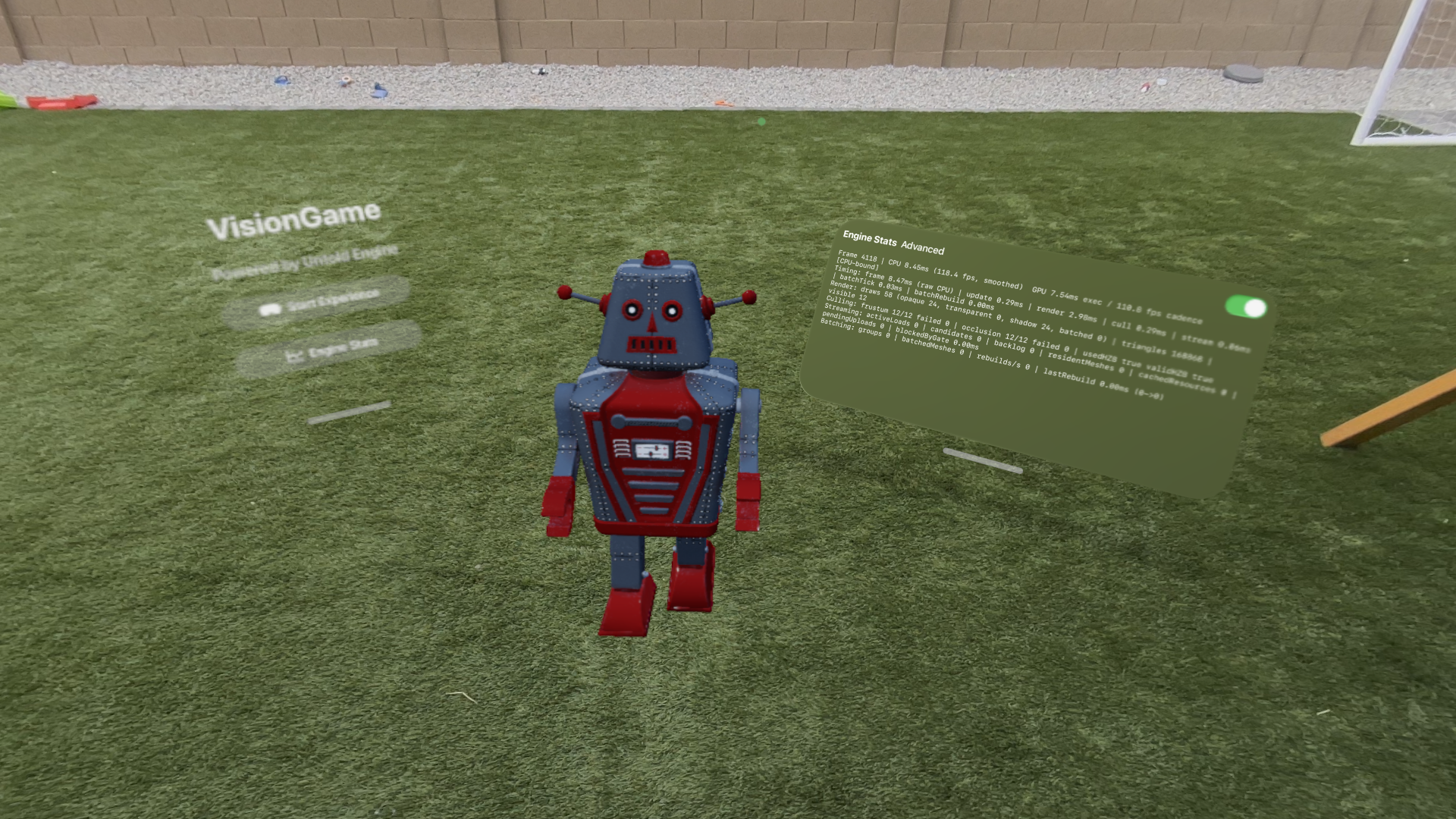
Streaming a Robot mesh using the Untold Engine + Vision Pro
Memory Budget Manager
Streaming only works if you enforce limits.
The Memory Budget Manager sets a fixed budget and ensures the engine stays within it. When memory usage gets too high, assets need to be evicted.
This introduced a new kind of problem: deciding what to remove.
The engine now has to constantly answer:
What is safe to unload right now?
This is especially important for Vision Pro, where memory constraints are much tighter.
Tile Streaming
Even with streaming in place, I ran into another issue.
Some meshes were just too big.
For example, a single mesh could represent a large portion of a building. That makes it difficult to stream efficiently, because you either load the whole thing or nothing.
The solution was to break the scene into tiles.
I used a Blender pipeline to partition scenes (eventually using a quadtree). Each tile represents a localized part of the world.
Now the engine can:
- Load only what’s near the camera
- Avoid loading interiors when outside
- Stream data in smaller chunks
This made a big difference for large scenes.
Native Asset Format (.untold)
At this point, most of the systems were in place, but performance still wasn’t where it needed to be.
The main issue was parsing.
Using USDZ at runtime introduced overhead:
- CPU parsing cost
- Memory spikes
- Indirect data layouts
So I introduced a native format: .untold
This format is built for runtime:
- Data is preprocessed
- GPU upload is direct
- Layout is streaming-friendly
USDZ is still useful as an input format, but it’s not ideal for real-time streaming.
Remote Streaming
Once all of the above systems were working, remote streaming became much simpler.
The engine already knew how to:
- Load assets on demand
- Stay within memory limits
- Stream tiles based on camera position
At that point, the only change was the source of the data.
Instead of reading from disk, the engine now fetches assets over the network.
And it works — including on Vision Pro.
Below is a short clip of the Streaming System in action.
Compression (LZ4 + ASTC)
After getting remote streaming working, another issue showed up quickly: memory usage, especially from textures.
Some scenes would crash on Vision Pro due to high texture memory consumption. Even if geometry was under control, textures alone could push the system over the limit.
To address this, I integrated two forms of compression into the pipeline.
For asset streaming, I added LZ4 compression. This helps reduce the size of data being transferred and improves load times when streaming assets from a remote source. Since LZ4 is fast to decompress, it fits well into a real-time pipeline.
For textures, I integrated ASTC compression.
ASTC significantly reduces GPU memory usage while maintaining good visual quality. This made a noticeable difference on Vision Pro, where memory constraints are tighter and large uncompressed textures can quickly become a problem.
With ASTC in place:
- Texture memory footprint is much lower
- Scenes that previously crashed can now load
- Streaming becomes more stable overall
At this point, compression is no longer optional. It’s part of making the system work reliably on constrained devices.
Final Thoughts
What started as a goal to stream assets remotely ended up requiring changes across the entire engine.
The biggest shift was this:
Before:
- Everything is loaded
- Everything is available
After:
- Only what’s needed is loaded
- Everything else is optional
Streaming isn’t something you add at the end. The engine has to be designed around it.
Thanks again to everyone supporting the Untold Engine on GitHub. This wouldn’t have been possible without that support.
