
Hey guys, I’ve been working hard on improving the engine lately—both performance-wise and editor (user-experience) wise.
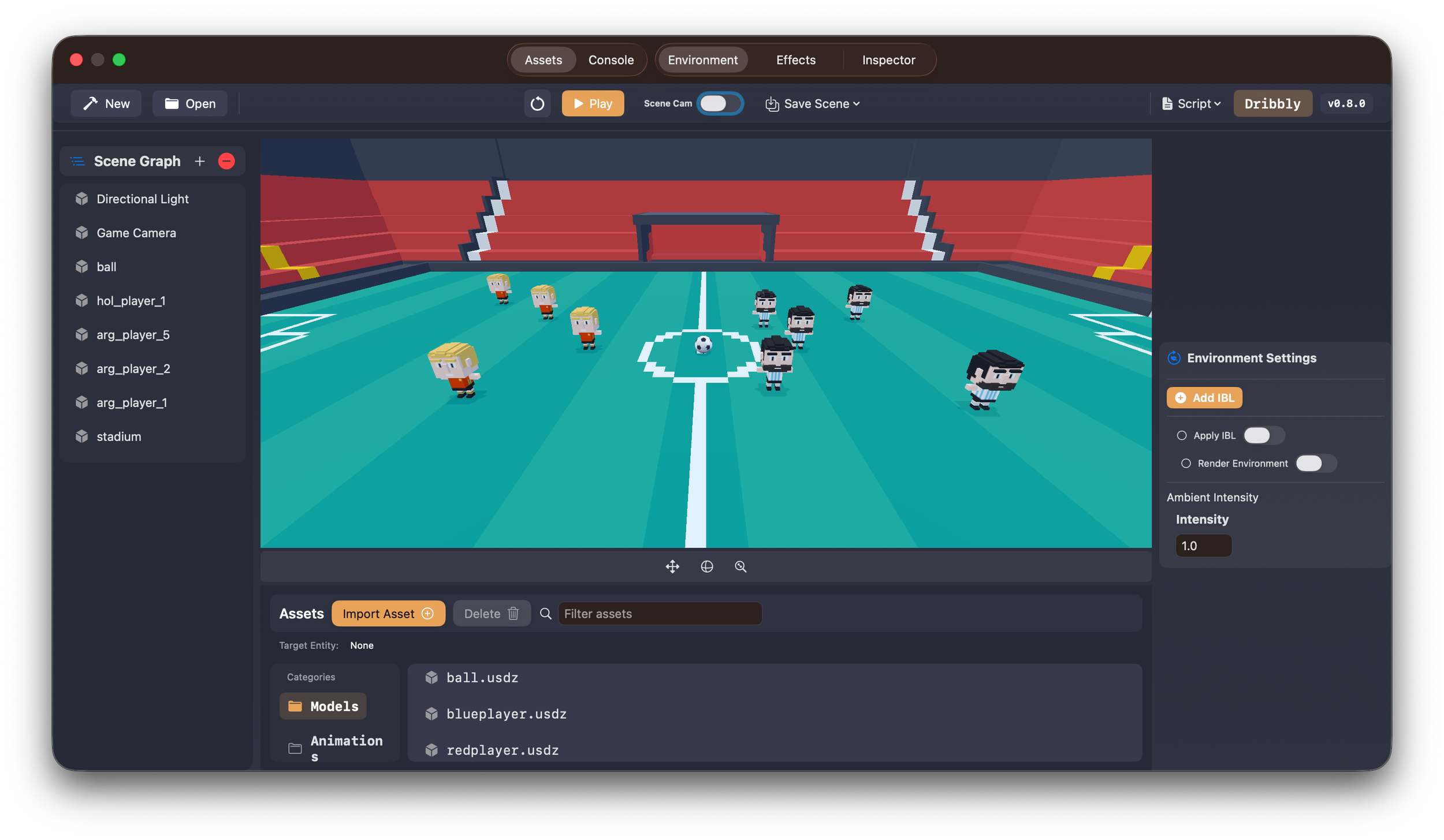
Faster Scene Loading with Async Asset Loading
One of the main issues I fixed in v0.7.0 was the long wait times when loading heavy scenes. I don’t have hard numbers, but it was definitely taking longer than what’s acceptable for a game engine. The main issue was that we didn’t have an async loading system in place. All models were being loaded synchronously, which caused long stalls.
With v0.7.0, scenes are now loaded through an async loading system, which makes the overall experience much better and more responsive.
Here is an example of how you can use the new async loading:
// Create entity
let entityId = createEntity()

// Load mesh asynchronously (fire and forget)
setEntityMeshAsync( entityId: entityId, filename: "large_model", withExtension: "usdz")
For more info, read the UsingAsyncLoading.md under the docs folder.
SSAO Performance Improvements (Especially on Vision Pro)
Another issue I worked on was improving SSAO performance, especially on mobile and Vision Pro. I added three quality modes for SSAO computation:
- Fast
- Balanced
- High
Fast mode is the most performant but has the lowest quality, while High mode provides the best quality at the cost of performance. Fast mode did improve performance on Vision Pro, but unfortunately, not enough—the FPS is still not acceptable. Until I find a better solution, I recommend disabling SSAO entirely when using Vision Pro.
To use it in code, simply set the quality as shown below:
SSAOParams.shared.quality = .balanced //.fast or .high
Command-Line Project Creation (Xcode Integration)
The third feature I added, which I think will be really helpful, is the ability to create an Xcode game project with Untold Engine as a dependency directly from the command line. This is especially useful for users who want to bypass the editor and work directly in Xcode. That said, this doesn’t mean you can’t use the editor later—projects created this way can still be opened in Untold Engine Studio.
Here is an example on how to install and use the cli tool:
# clone the repo
git clone https://github.com/untoldengine/UntoldEngine.git
cd UntoldEngine

# Install the CLI globally:
./scripts/install-create.sh

# Verify installation:
untoldengine-create --version
untoldengine-create --help

# After installing the CLI, create a project from anywhere:

#  Create project directory
cd ~/anywhere
mkdir MyGame && cd MyGame

#  Create the project
untoldengine-create create MyGame

#  Open in Xcode
open MyGame/MyGame.xcodeproj
For more information, see: Tools/UntoldEngineCLI/README.md
Editor Workflow Improvements
I also spent time improving the user experience in the Untold Editor. The workflow is starting to take shape:
- User opens Untold Engine Studio
- Creates a new project or opens an existing one
- Populates the scene
- Writes game logic using Swift or scripting
- Builds & plays
- Repeat steps 3–5
This is still a work in progress, but I’m liking how everything is coming together.
What’s Next
For this week, I’m planning to focus on:
- Benchmarking + metrics harness
- Improving performance on Vision Pro and iOS
That’s the plan.
Feel free to checkout the the Untold Engine Studio v0.7.0.
Thanks for reading.
