Hey guys,
It’s me again with a new update on the Untold Engine — this time focused on user experience and performance.
You might find this a bit odd coming from an engineer, but user experience matters a lot to me. Sometimes, I even see it as more important than performance itself. I know, that sounds backwards. But honestly, I don’t care how fast a tool is if the user experience is bad. If it’s frustrating to use, then to me, it’s not a good product.
So let’s start with the user-experience improvements I’ve been working on.
BTW, you can read more about version 0.9.0 of the engine here.
Quick USDZ Preview
I was never happy with the fact that every time I wanted to render a model with the Untold Engine, I had to create a full project first. That felt unnecessary and slow.
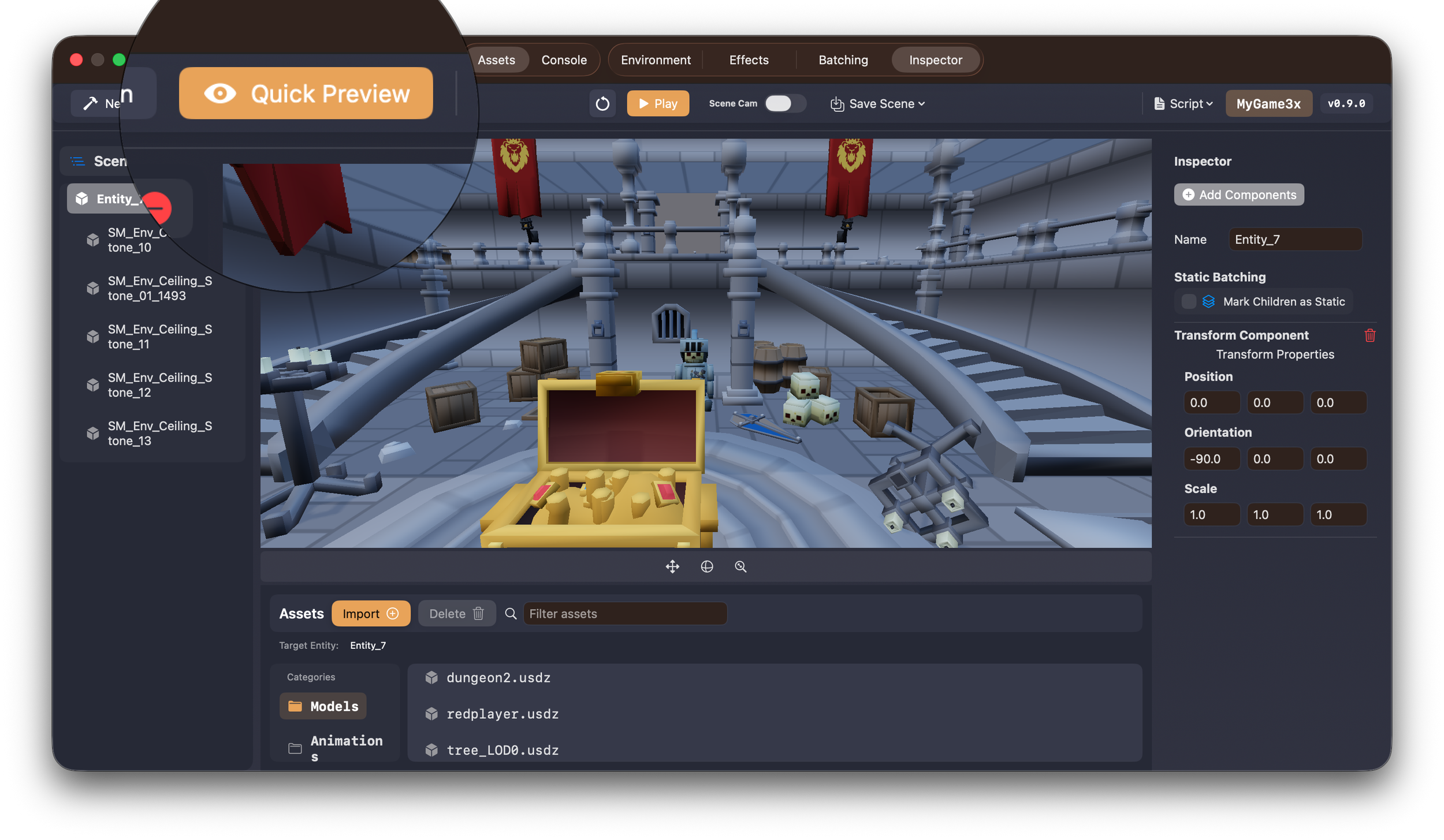
So I added a Quick Preview feature.
You can now preview a .usdz file directly without creating or importing it into a project. Just click the Quick Preview button, select your .usdz file, and you’re good to go.
Improved Importing Workflow
Next up: importing.
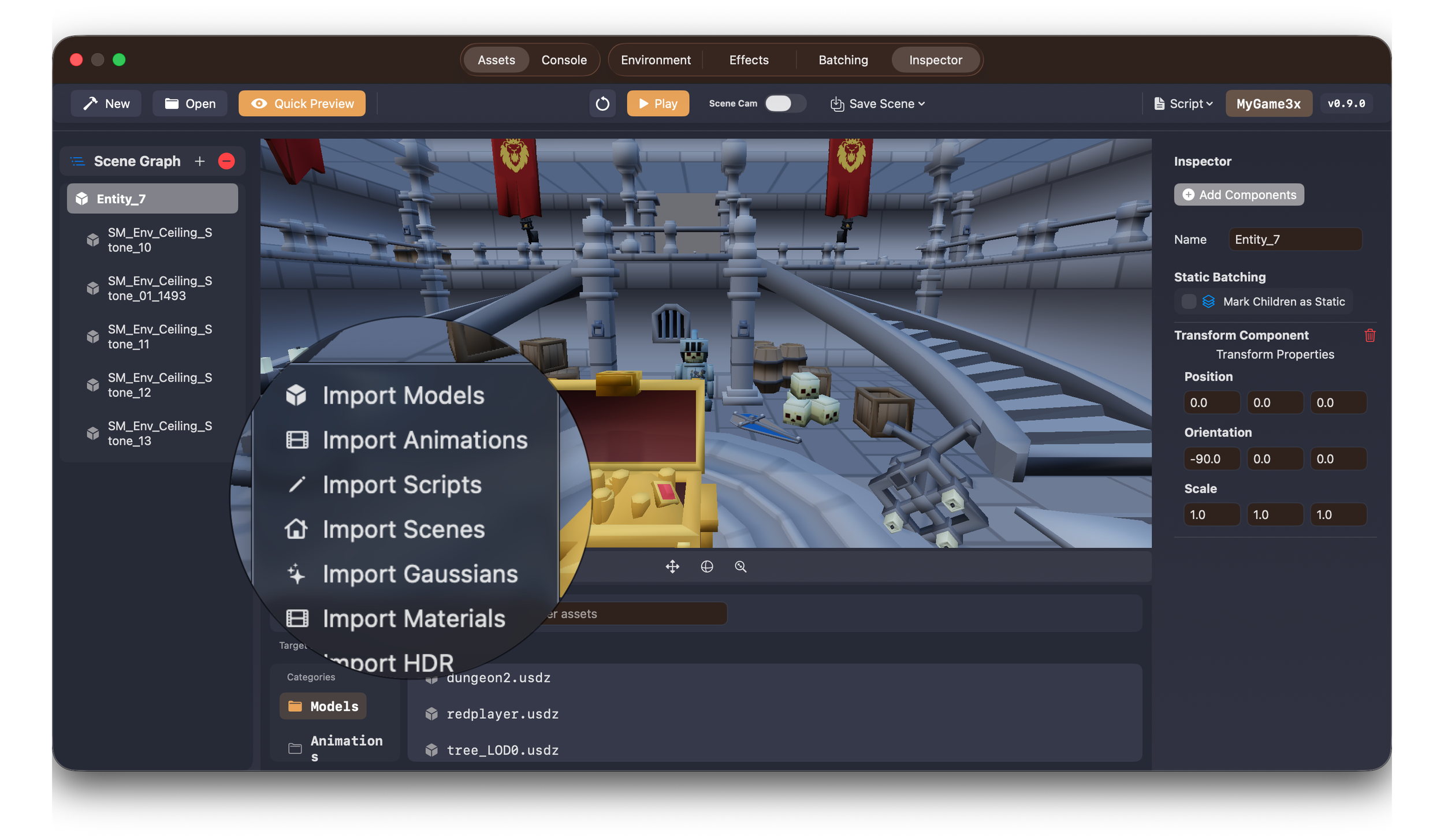
The old importing workflow was confusing at times and a bit error-prone. It was too easy to accidentally import a model into the wrong category, which is never a good experience.
Now, when you click Import, you’re explicitly asked what you want to import. This makes the process clearer and significantly reduces the chances of loading assets into the wrong place.
Scenegraph Parenting Support
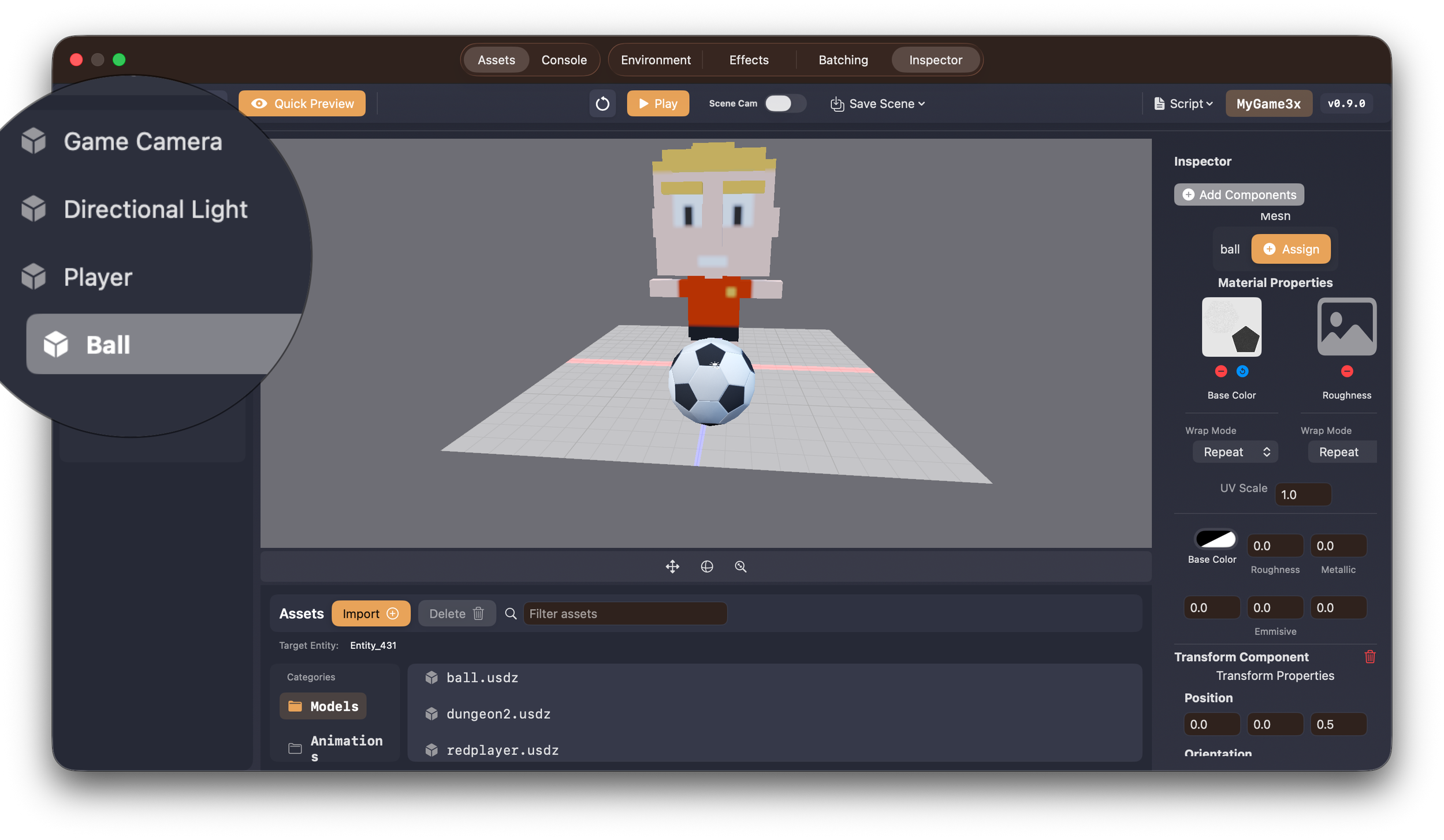
At some point, I realized I really wanted to create parent–child relationships between entities directly from the editor — but the Scenegraph didn’t support that at all.
So I added it.
You can now parent entities directly in the Scenegraph by dragging one entity onto another.
To unparent an entity, just right-click it in the Scenegraph and select Unparent.
That said, I think I can make the hierarchy more visually obvious. That might be the next thing I tackle so parent–child relationships are easier to spot at a glance.
Viewport Child Selection
This one was a complete oversight on my end.
If an entity had multiple child meshes and you tried to select one of those meshes in the viewport using a right-click, the parent entity would get selected instead. That’s… not great.
This was a terrible user experience, so I made it a priority to fix.
You can now select child entities directly in the viewport using Shift + Right Mouse Click, which makes working with hierarchical scenes much more intuitive.
Now, let’s talk about performance improvements.
LOD System
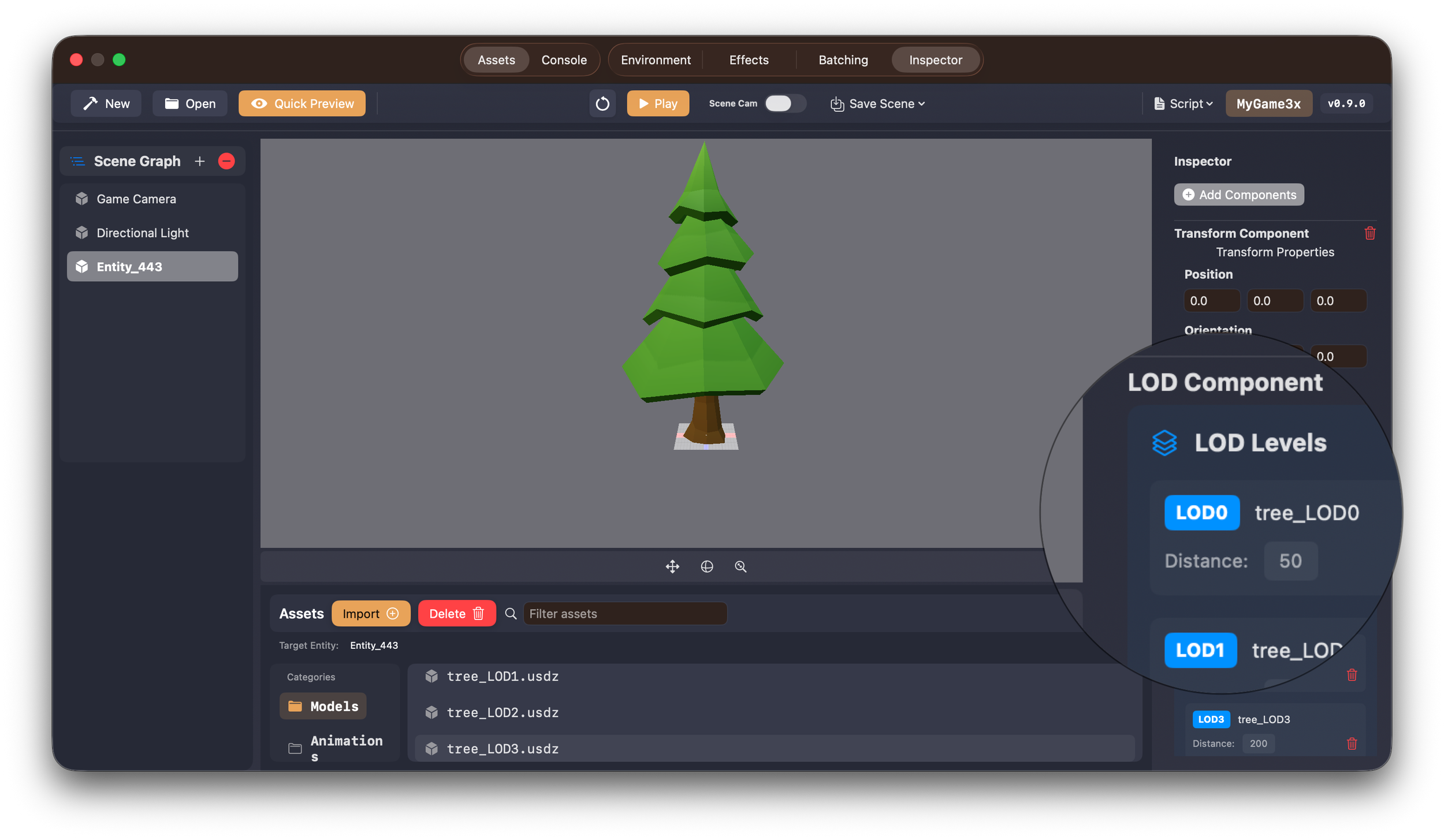
The Untold Engine now supports an LOD system.
You can assign an LOD Component to an entity, provide multiple versions of a mesh, and the engine will automatically select the appropriate LOD based on distance. This is especially useful when you want to maintain a steady 60 FPS without rendering fully detailed meshes when they’re not needed.
Static Batching System
The engine now also supports Static Batching.
This is extremely useful for scenes with a large number of static objects. By batching these meshes together, the engine can significantly reduce the number of draw calls it needs to execute.
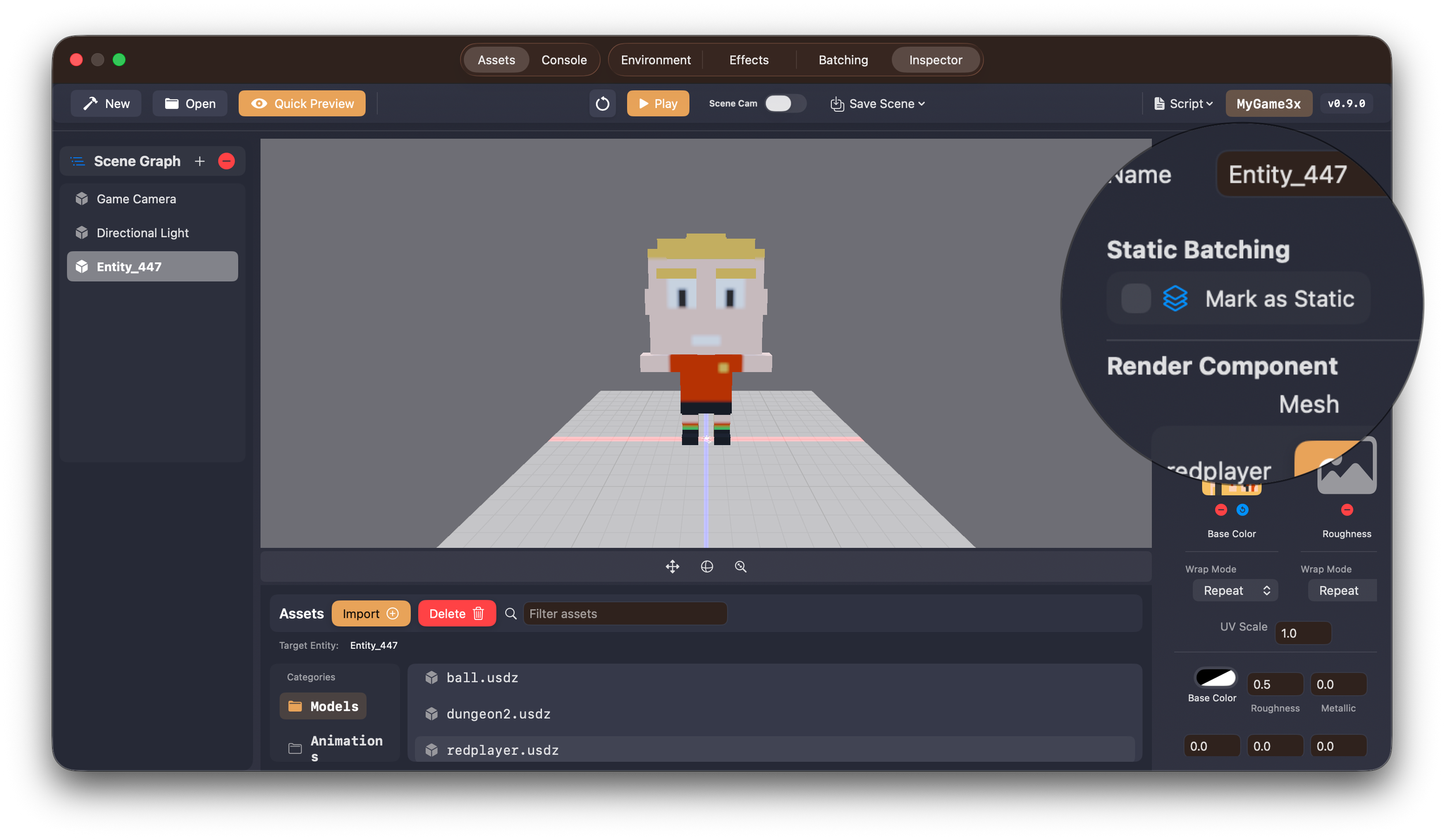
In one test scene, draw calls dropped from over 2,000 to just 34. That’s a massive improvement and makes a huge difference in frame stability.
That’s all for now.
If you want to follow the development of the engine and stay up to date with future updates, make sure to check out the project on GitHub.
Thanks for reading.
