Game Engine Beta v0.0.5

In version v0.0.5, I ported the game engine from OpenGL to Apple's Metal API.

Initially, I planned to keep working on the 3D soccer game using v0.0.4 of the engine. However, I decided to port the engine once I saw an Augmented Reality demo. I realized that Augmented Reality (AR) is the future of gaming and it may be a good idea to have this feature available in the engine. However, the AR framework only works with the Metal API; it does not support OpenGL.

To be honest, my goal was to port the engine to Metal in a year or two. I was not planning to port it so soon. Part of it was that I feel I'm still learning Game Engine development and didn't want to overwhelm myself. The other reason was that porting a Game Engine from one API to another is not an easy task. When I saw the AR demo, it was the push that I needed.

To my surprise, porting the engine to Metal was quite simple. In less than two weeks I had ported the major components of the rendering engine. I also became aware of some misconceptions I had with computer graphics and OpenGL; essentially with Normal Maps and Shadows. Metal is so simple to use that it highlighted some errors I was making with OpenGL.

Overall, I would say that the porting took about a month to complete. It does not include the time it took to learn Metal, which it should take you about a week; assuming you know computer graphics.

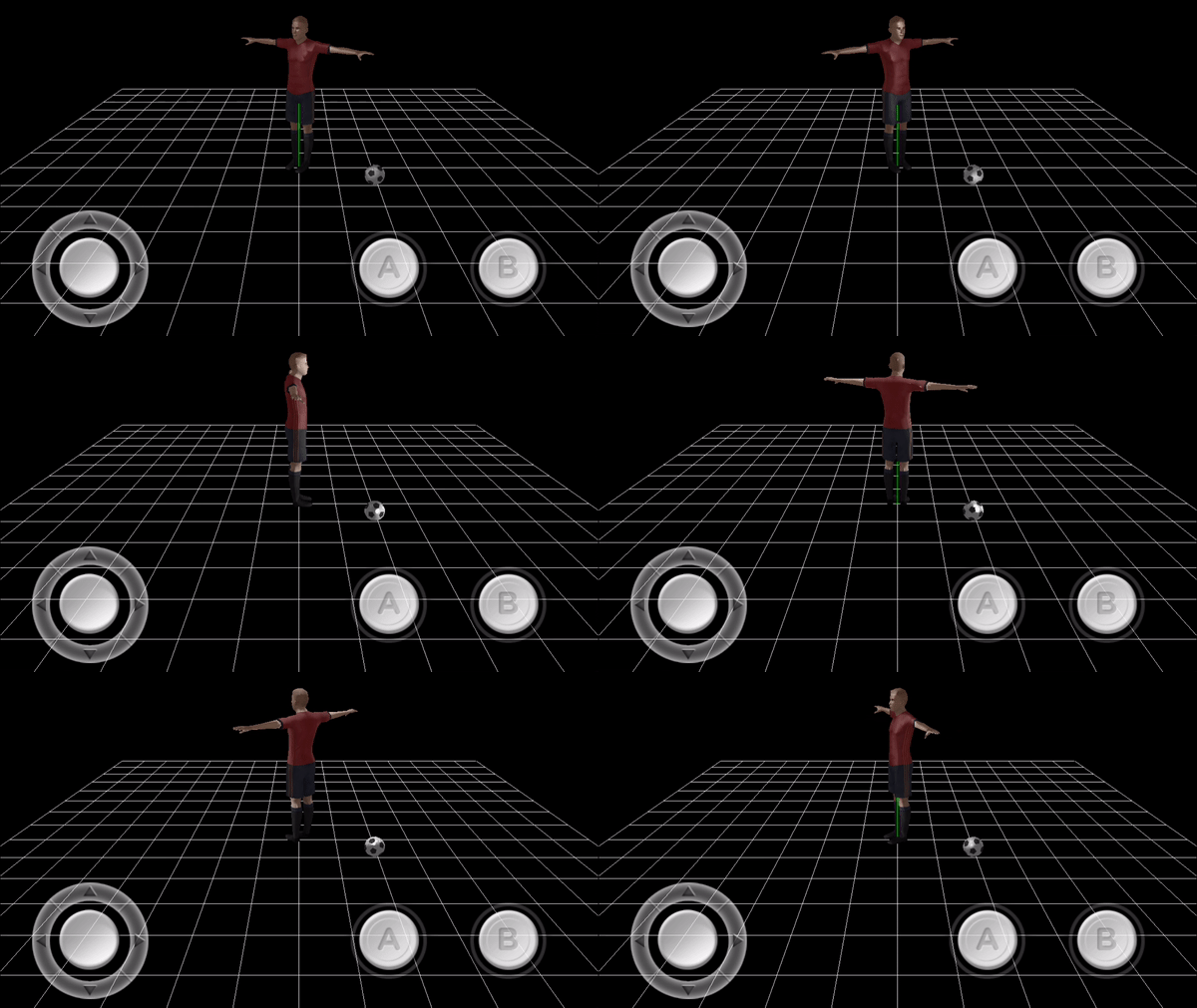
Here is a video showcasing the 3D soccer game with Metal. In my opinion, it looks better than when I was using OpenGL, but then again I am using better 3D models.

 
This video shows the game engine using the Metal API for its rendering operations. The game engine no longer uses OpenGL.
 

So, the engine now runs entirely on Metal.

Goodbye OpenGL

Hola, Metal

Thanks for reading.

The state of the Game Engine (Sept 2017)

I want to give you a brief update on the current state of the engine. With my day job and other responsibilities, I had to scale down the amount of time I spent writing on this blog. However, not for a second, have I stopped working on the engine. If you haven't seen any updates, is because I decided to do something unorthodox.

Back in July 2017, I decided to take a detour. As you may recall, I was working on developing a 3D soccer game using my game engine. At that time, the engine was being powered by the OpenGL API. I have nothing but great things to say about OpenGL. I think it is an amazing API and if you are interested in learning computer graphics, I strongly suggest to start by using it. However, the time had come for me to port the engine to Metal.

Metal is the new Graphics API from Apple. In my opinion, Metal is a lot easier to work than OpenGL. It is less convoluted, and it leads to clean code. And more importantly, it is a lot easier to grasp. If you already know OpenGL, learning Metal is going to be a walk in the park.

So, why did I decided to port the engine to Metal? Part of the answer came down to future OpenGL support. I learned that Apple is very committed to Metal and there are no plans to keep updating OpenGL on mobile devices. I also found out about Apple Augmented Reality framework. Looking at some demos, it is apparent that Augmented Reality will play a huge part in the future of mobile gaming. And it so happens, that the Augmented Reality framework from apple only works with Metal. Of course, I plan to implement AR features in the engine.

I have to admit, porting the game engine from one graphics API to another is not something to look forward. However, it was easier than I thought. And I believe that Metal's clean paradigm had a lot to do with the ease of this task.

As of today, Sept 16, 2017, the engine has been completely ported to Metal.

So why haven't I given an update on the engine?

It has to do with the fact, that through the porting, I learned of many mistakes I had made using OpenGL. And I'm finding of these errors through the mobile soccer game. So, that is what I'm doing now. I'm going back and forth, tweaking issues in the engine and the game. Making sure everything is correct and working properly. Unfortunately, this is taking longer than I planned, but I think is important for the engine to be reliable before I release it to the public.

I plan to release version 1.0 of the soccer game by the end of 2017. Once released, I plan to complete the API documentation for the engine, User's Guide and tutorial by May 2018. The release of the engine will soon follow after this. I haven't decided to release the engine as open source or closed source yet. I'm still evaluating this decision.

Well, that is what is going on in my world. Thanks for reading.

The purpose of a scenegraph in a game engine

Scenegraphs are generic trees which provide an efficient way to traverse game entities for rendering.

As the image below shows, a scenegraph node can have as many children as it desires. This property is in complete contrast with a binary tree; which allows at most two children per node.

On each game tick, the scenegraph traverses its lists and sends each game object to an Engine Loop. Where it gets rendered, and its coordinate space gets updated.

Aside from its fast traversal property, a scenegraph provides a clean method to transform a child node space with respect to its parent node space.

For example, in the image below, both the soccer player and the soccer ball are children of the World Entity.

Thus, if the world entity (grid) rotates, both children nodes will be affected by their parent space-transformation, as shown below.

However, a child node does not affect the space of a sibling node, nor its parent. Thus, rotating the player or the ball about their y-axis does not affect either or, nor the World entity, as shown below:

Now, if the ball was a child of the soccer player, as shown below:

then rotating the player causes the ball to rotate as well.

A scenegraph provides a clean method to establish a parent-child relationship and fast traversal of its entities. Such feature is useful when the number of game objects grows, and efficiency is of utmost importance.

Hope this helps.

A sneak peek at the Game Engine's API

I know that I tend to talk a lot about my game engine. I also noticed that haven't given you a sneak peek at the Game Engine's API.

When I started development of the engine, one of my primary goals was to create an engine with an user-friendly API. That is the API needed to be compact, small and easy to remember.

In short, I wanted an engine that helps me focus on developing a game rather than wasting time reading through tons of API documents.

So, let me give you a sneak peek.

Initializing Objects (3D models)

The engine works hand in hand with Blender 3D. The engine includes a Digital Asset Exporter, written in Python, which exports your 3D models done in Blender, into data the engine understands.

The initialization is quite simple. For example, let's say that you have modeled this 3D model in Blender and you want to use it in the engine.

After you run the python script, a file is generated. This file contains all the attribute data of your model, such as vertices, normals, UV maps, etc. This file is copied into your project.

In your initialization routine of the engine, you ask the engine to render this model by just calling the init method:

myModel->init("guardian","guardianfile.u4d");

The method requires the name of the 3D model and the name of the file you imported.

If the engine confirms that all the 3D model data is valid, it loads all the rendering information into the engine.

The only thing left to do is to add the model into the scenegraph. You do so by calling the addChild method:

addChild(myModel);

And that is it. The engine will render your model on your mobile device.

Enabling Lights and Shadows

WIthout light, you can't see. And without shadows, you can't make out visual details. Currently, the engine allows only one Light object per scene. That is, the light object is implemented as a singleton. You need to initialize a Light object, else, the whole scene will appear dark. Luckily, to initialize a light object is as simple as doing this:

//Create a light object
U4DLights *light=U4DLights::sharedInstance();

//Translate the light
light->translateTo(0.0,10.2,1.0); 

The engine gives you the flexibility to choose which model to cast shadows and which one not to. Again, doing so is very simple:

myModel->setEnableShadow(true);

The engine will cast a shadow on the selected objects:

Enabling Physics and Collisions

If you want a model to be affected by external forces, such as gravity, or any other applied forces, the engine gives you the flexibility to do so with one line of code. To enable such feature, simply call the enableKineticsBehavior method on the model.

myModel->enableKineticsBehavior();

And if you want to enable collisions between objects, you simply call the enableCollisionBehavior method:

myModel->enableCollisionBehavior();

The engine will enable gravity and collision properties on the selected objects:

Initializing Animations

Playing an animation is as simple as the initialization method explained above. 100% of the time, you would have rigged and animated your model in Blender. The Digital Asset Exporter also imports armature and animation data into the engine. All that you need to do is provide the name of the animation and the name of the file containing this information. To initialize an animation, you create an animation object and load animation data, as shown below:

walkingAnimation=new U4DAnimation(this);

if (loadAnimationToModel(walkingAnimation, "walking", "walkinganimation.u4d")) {
}

To play the animation, simply call the play method:

walkingAnimation->play();

If the animation has been loaded properly, the engine will play the animation:

As you can see, you can load a model onto your mobile device using a few lines of code. And the engine allows you to enable shadows, collision, and animation with a single line of code.

Thanks for reading.

Porting the game engine from OpenGL to Metal

If you are not aware of, Apple came out with its own graphics library; similar to OpenGL, a couple of years ago. The name of this graphics library is Metal.

When Metal came out, I had barely finished the first stage of my game engine. Back then, I thought that it would be a good idea to port the engine to Metal. However, I resisted in doing so, until Metal became stable.

Well, on the weekend of July 4th, 2017, I happened to play around with some Metal demo apps, and I was impressed at Metal's power. It was then that I decided to use my four-day weekend learning and porting the engine from OpenGL to Metal.

And so I did.

I spent Saturday morning to Tuesday night learning Metal in depth. I didn't even go out at all during those four days. I was focused and excited to learn about Metal.

On Tuesday night, I laid out a plan on how to port the engine from OpenGL to Metal. All in all, the porting took about two weeks. There are some minor bugs to fix, but all in all, I'm pleased with the results. Here is a screenshot of the engine using Metal.

 
Engine using Metal

Engine using Metal


So what did I learn?

Most of what I know about Metal, you can find it here. I wrote these articles a while ago,; I used them as a reference during my review and the porting. But here are the main things that you should know about Metal:

  • Metal is not as convoluted as OpenGL. Metal is clean and has the concept of Objects. You can think of it as an Object-Oriented language, but for graphics. It is amazing to work with. Seriously.
  • Metal is less forgiving than OpenGL. During the porting, I noticed many incorrect Computer Graphics implementation done in the engine. At first, I thought that the issue was with Metal but then realized that I had made several mistakes using OpenGL. OpenGL did not make a big deal about it, but Metal did mind and kept spitting out error messages. For example, I had incorrectly implemented certain aspects of Normal Mapping, Shadows, and Vertex-Skinning.
  • The Perspective and Orthogonal projection matrices you use in OpenGL based games will not work on Metal. You need to compute a different projection matrix for Metal. The reason is that Metal uses a different coordinate system than OpenGL. I will write more about this issue later. However, if you need an example of these matrices, send me a message, and I'll provide you with one.

It is amazingly simple to work with Metal. However, since there are not plenty of tutorials out there, it may be hard for a newbie to get Metal working.

If you have experience working with OpenGL and have a good grasp of computer graphics, Metal will be a piece of cake to learn. I can guarantee that you will love it. However, if you are a newbie, keep in mind, that it may take a while for you to grasp Computer Graphics concepts and Metal at the same time. Hopefully, these articles can help you out.

Thanks for reading.